

CALORIECAP
Press & media
Product information and assets for your next story.
About CalorieCap
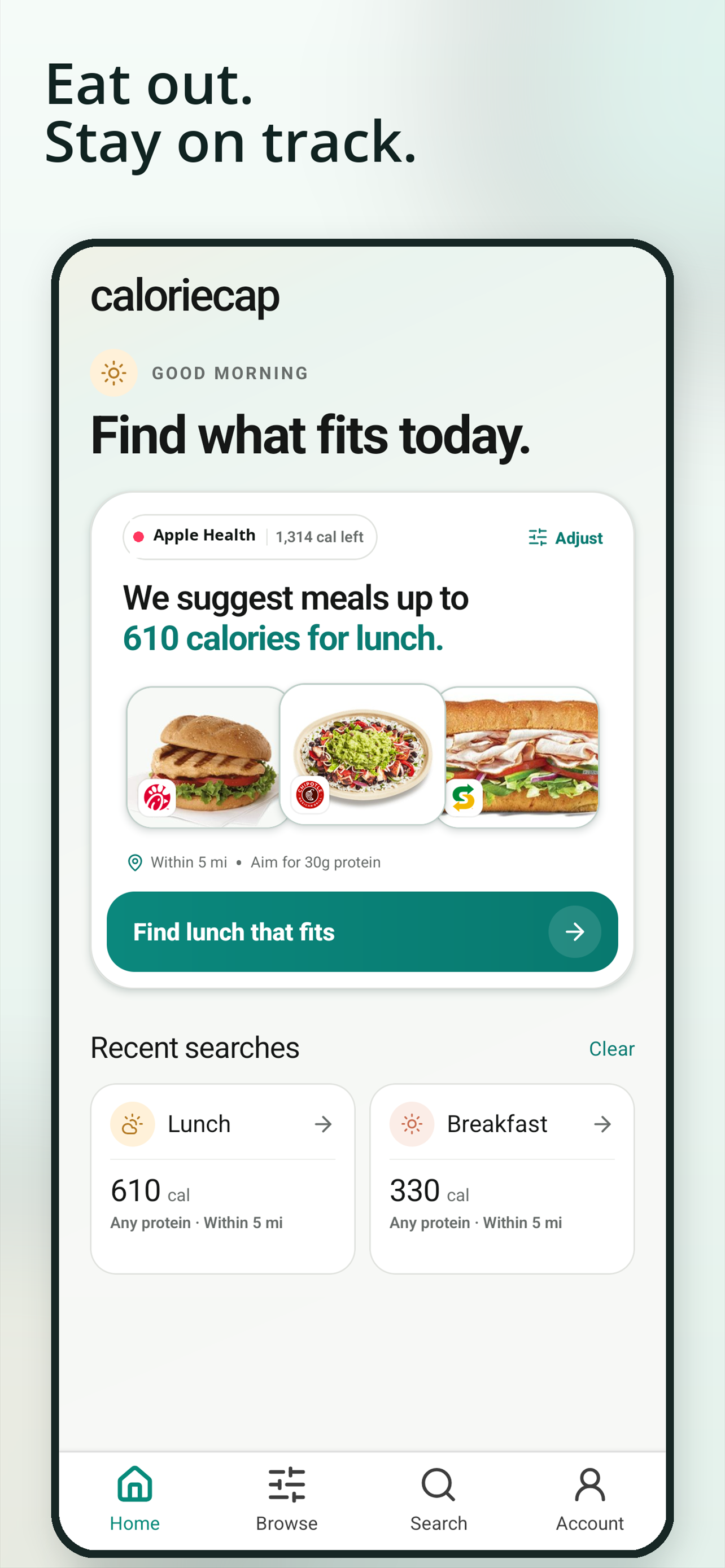
CalorieCap helps people find restaurant meals that fit their calories, macros, and location. The app can connect with compatible fitness trackers to suggest meals based on what’s left in the day, including entrée-and-side combinations, custom builds, and ingredient changes at supported restaurants.
Available on iPhone and Android, with restaurant menus and meal builders on the web. Nutrition information comes from restaurant-published sources, checked daily for changes.
Brand assets

CalorieCap app icon
Download PNG ↓Please use the name CalorieCap and keep the supplied artwork unchanged.
App screenshots
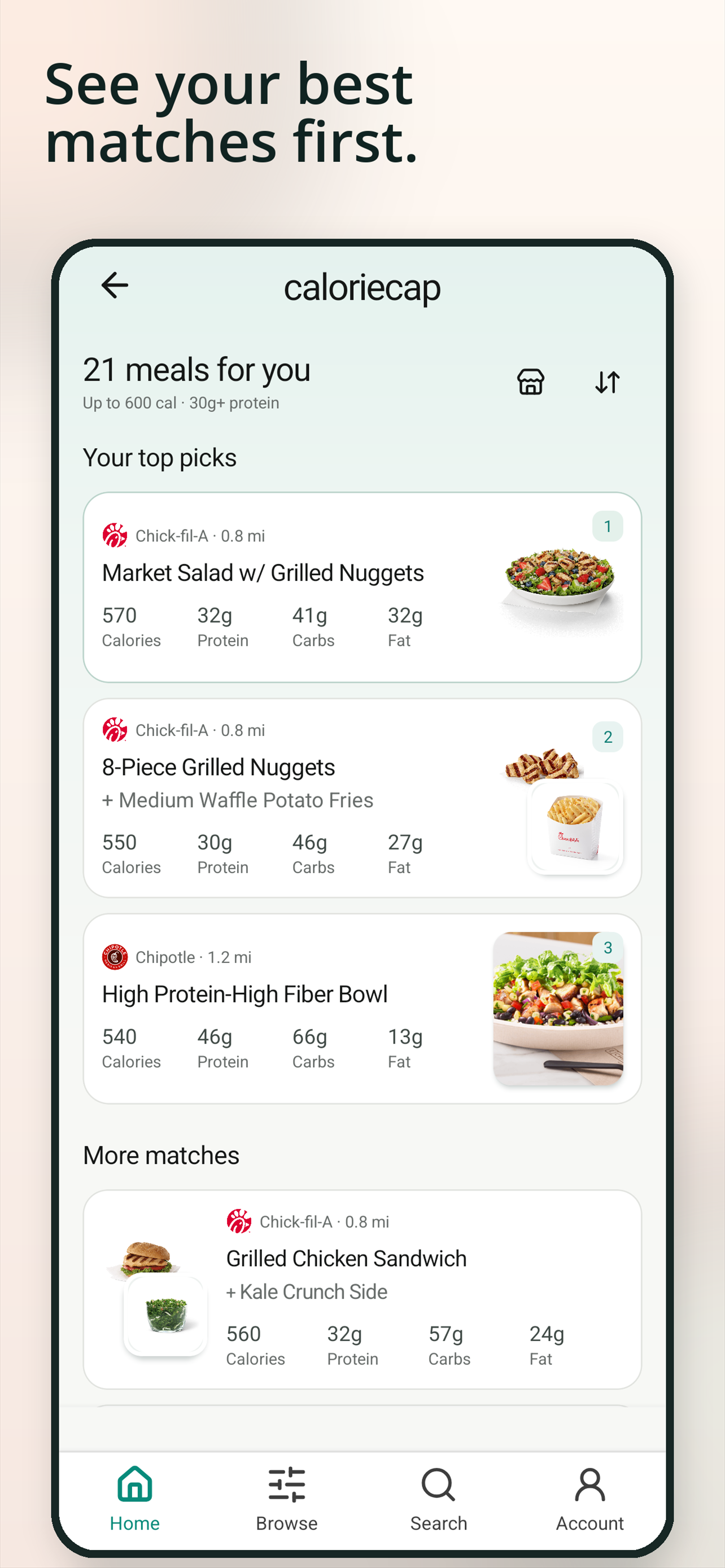
See your best matches first.
Download PNG ↓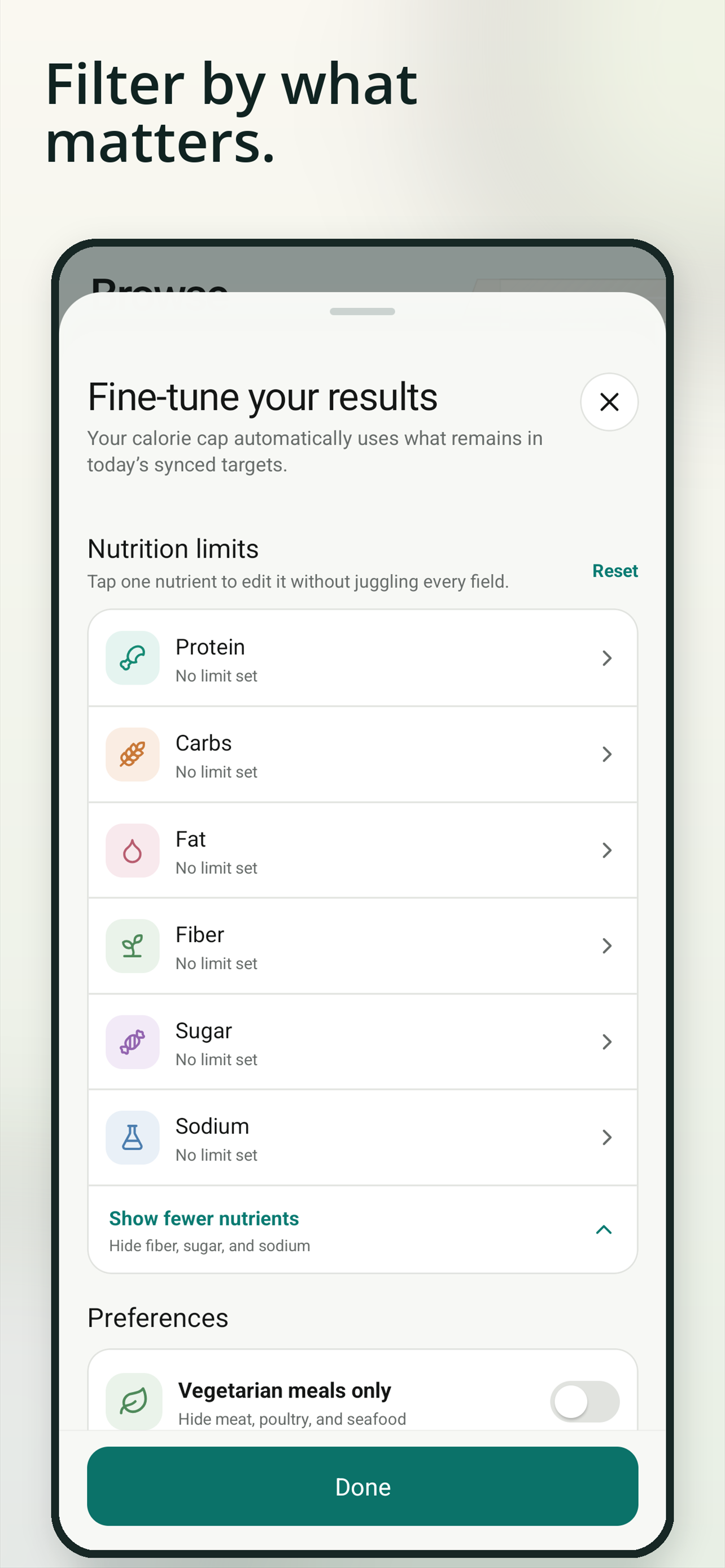
Filter by what matters.
Download PNG ↓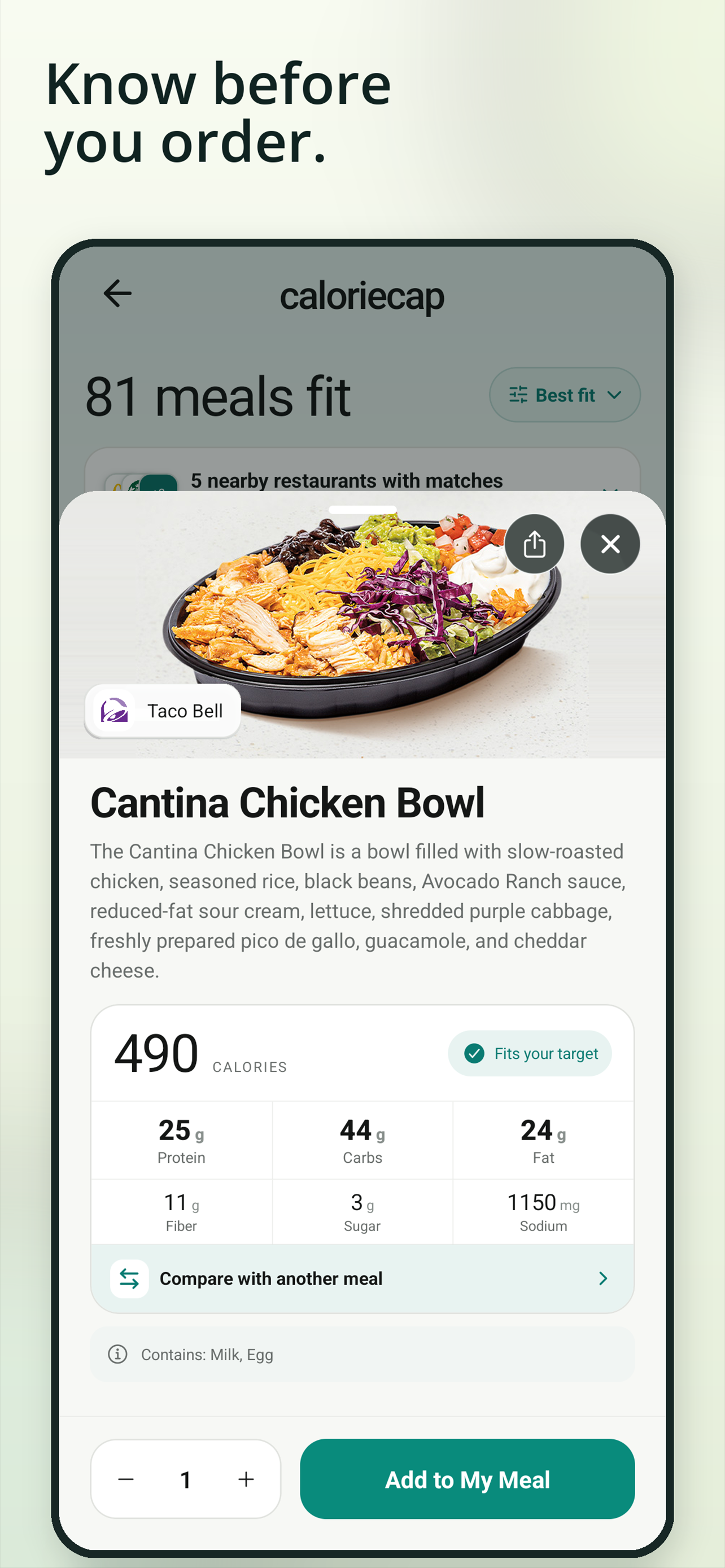
Know before you order.
Download PNG ↓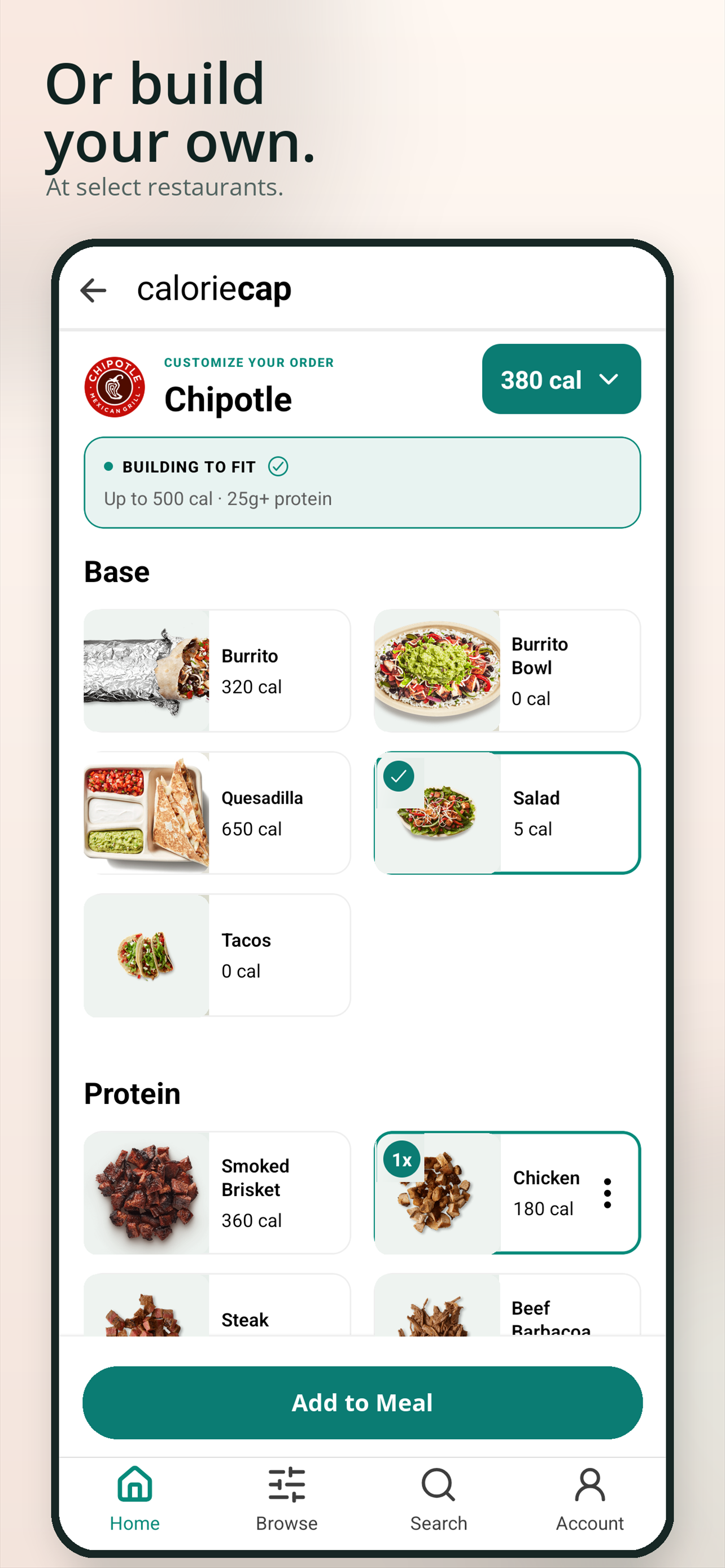
Or build your own.
Download PNG ↓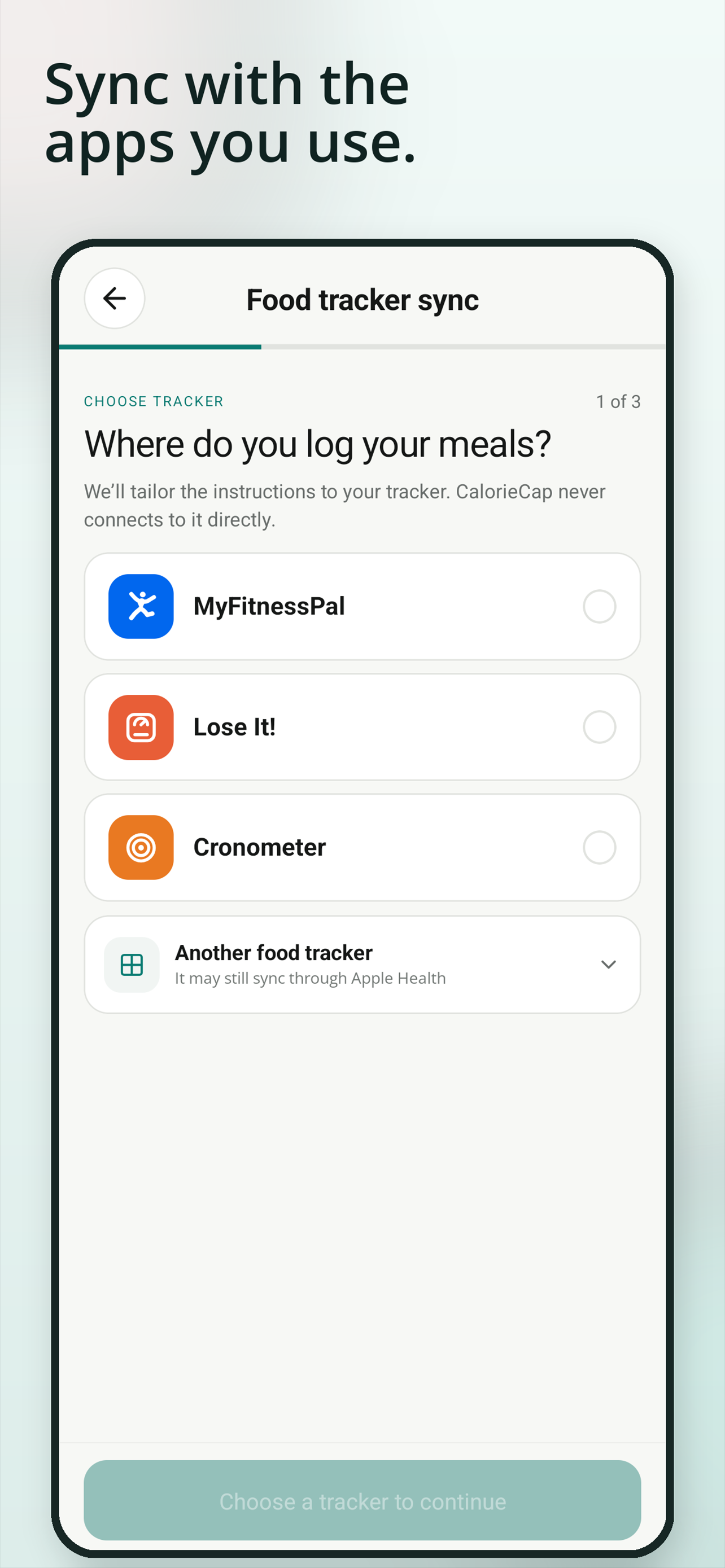
Sync with the apps you use.
Download PNG ↓Working on a story?
For interviews, additional assets, or product questions, contact support@caloriecap.com.